Request and conversation capture
Turn messages, calls, notes, or dictated updates into a clear request. Capture who is asking, what they need, the deadline, and the rules and permissions that apply. Ask about missing details.


CRM Replacement
People finish a call, then enter the notes. They update a record, then update a spreadsheet. The work gets done, and the paperwork starts another shift.
Nornoet designs and builds systems that can replace your CRM. Keep customer records, files, and follow-ups together. Tell the system what happened, check what it understood, and continue the work.
Start with free scoping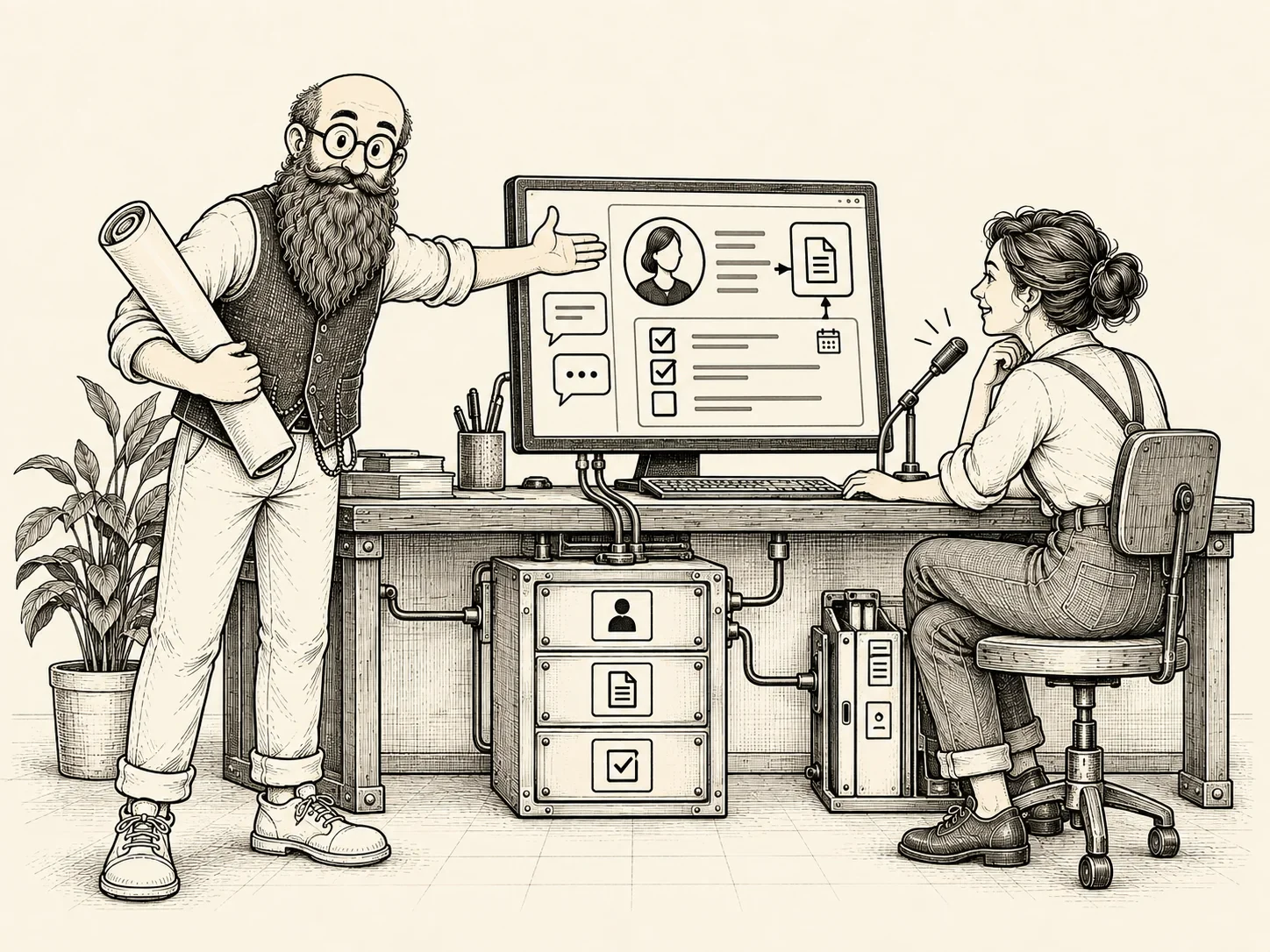
The foundation is a cloud database organized around your customers, relationships, projects, tasks, and history.
Files connect to the records they belong to. Chat, dashboards, and tools such as Word and Excel can use that information through connections included in the build.
We define who controls the accounts, who maintains the system, and how your information can be exported.
Speak, type, open a record, or work through a list.
A conversation can prepare a record change, create a task, or help assemble a document. A workspace can show the details and offer the actions someone needs.
Both use the same underlying records. If a request is unclear, the system asks. If an action needs approval, it waits.
Example workflow
We map the functions your business depends on: customer records, relationships, activity history, follow-ups, reporting, permissions, and connections.
That defines what the new system must support before it can take over. The move can happen in stages, with checks for missing records, broken relationships, and work that must continue during the transition.
We agree on when the old system can be retired and how to recover if the move encounters a problem.
Skills help AI interpret requests and coordinate work. The underlying software checks access, required information, approvals, and record changes.
The project scope defines testing, change history, backup and recovery, documentation, and training. It also identifies ongoing software costs and maintenance responsibilities.
Skills behind the work
Turn messages, calls, notes, or dictated updates into a clear request. Capture who is asking, what they need, the deadline, and the rules and permissions that apply. Ask about missing details.
Create or update official business records from approved requests and sources. Check required fields, record identifiers, and access; keep source details and change notes. Confirm what was saved or still needs attention.
Set up a workspace for a client, project, or team with the approved structure, templates, labels, and safeguards. Bring together its records, files, tasks, and permitted actions.
Create and track follow-ups until the work is finished, closed, reassigned, or escalated.
Tell us what you use today and where it creates extra work. We will help define a practical starting point and the path to replacement.
Start with free scoping